Switch to Penna
Bring your notebooks. Leave nothing behind.
Nobody wants to start again from a blank page. Here’s how to move in.
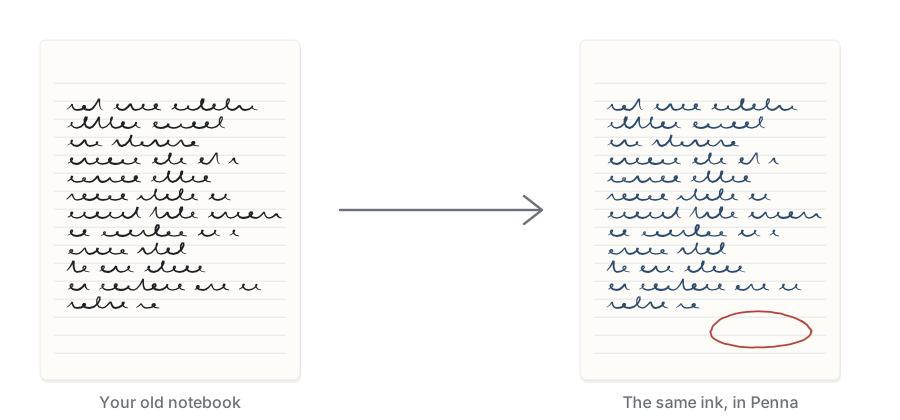
From reMarkable
On a Mac: install the reMarkable desktop app and let it sync, then choose File › Import from reMarkable in Penna. Your notebooks arrive as real ink you can keep editing, with typed text as text. Each time you come back, Penna picks up what changed on your tablet. It only ever reads the reMarkable app’s folder and never changes it.
On iPad or iPhone: export a notebook as a PDF from the reMarkable app, then bring it in with Import… and keep writing.
The toolbar sits on the side, the nine pens are in an order you’ll recognize, and two-finger tap undoes. You’ll be fine.
From GoodNotes, Notability and friends
Export your notebooks as PDFs, then use Import…, or drag them into the Library on a Mac. Every page keeps its size, your old ink comes along as part of the page, and you can write right over it.
From Apple Notes
On a Mac: File › Import from Apple Notes brings your notes in as Markdown files, in the same folders, with their pictures and PDFs alongside. Most sketches arrive as ink. Each time you come back, Penna picks up new and changed notes, and keeps the edits you made here.
Anywhere else: export your notes from Notes as Markdown, then bring in the folder with Import…. Folders and attachments come along.
From a pile of Markdown files
Import… takes .md and .txt files, or a whole folder of them. They arrive as Markdown files you can edit, link and search like anything else in Penna. On a Mac, Folder Sync can keep that folder and Penna in step both ways.
reMarkable is a trademark of reMarkable AS. Apple Notes is a trademark of Apple Inc. GoodNotes and Notability are trademarks of their owners. Penna Notes isn’t affiliated with any of them.
Write it down. Then find it again.
Penna arrives on iPad, iPhone and Mac this fall. Leave your email and we'll send you exactly one message: the day it's out.