iPad
All page. Hardly any app.
On iPad the page gets the whole screen. Every button lives in one slim rail on whichever side you like, and it folds down to a single button when you want it gone.
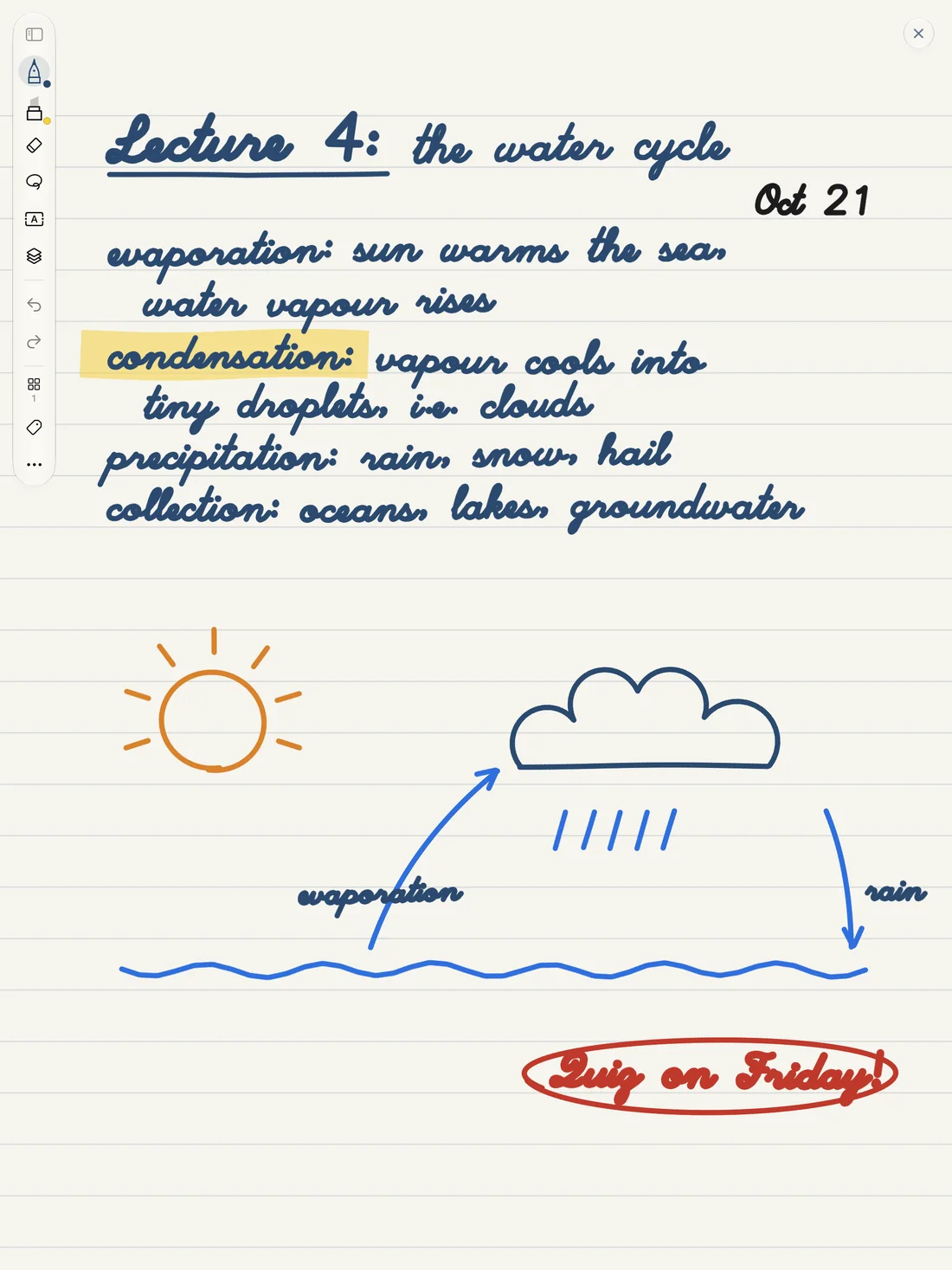
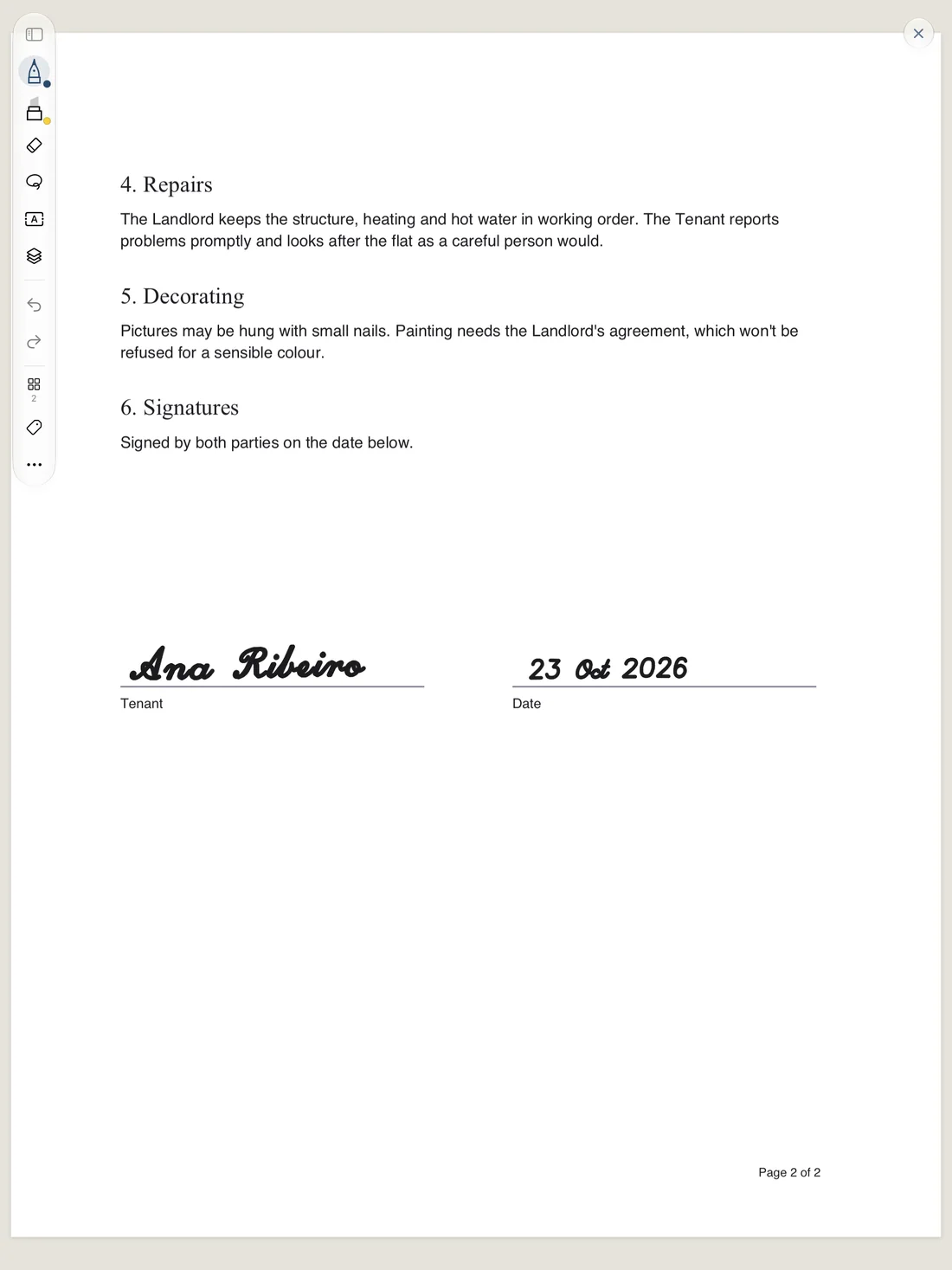
Made for Apple Pencil
- Pressure and tilt shape every stroke, tuned for people who press lightly.
- Double-tap undoes, or swaps pens, or grabs the eraser. Your call.
- Squeeze on Apple Pencil Pro does what your iPad settings say, or whatever you pick in Penna.
- Rest your hand on the page. Only the Pencil writes.
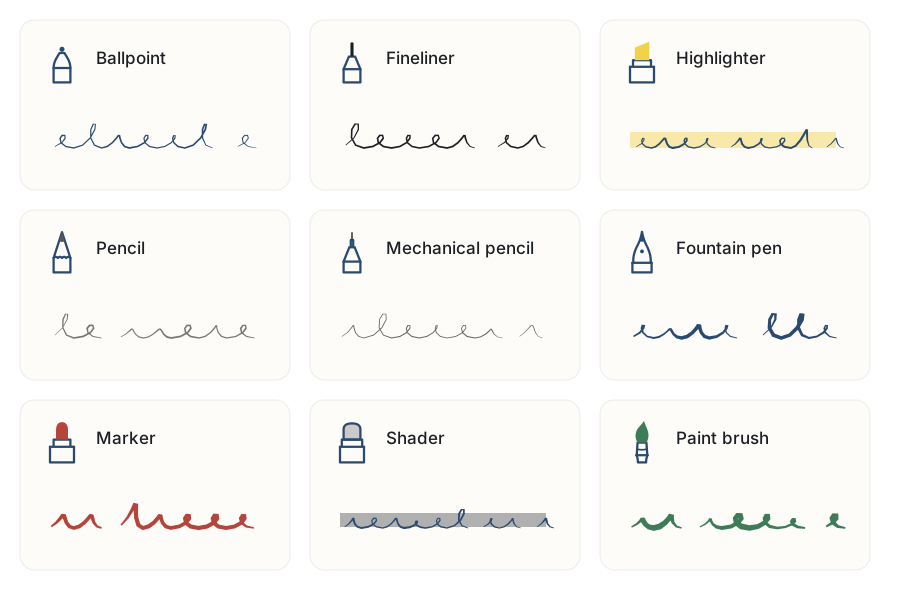
Fingers move things, the Pencil writes
With a Pencil in hand, one finger scrolls and a sideways swipe turns the page. Tap with two fingers to undo and three to redo. Pinch anywhere from 50% to 400%.
Every gesture →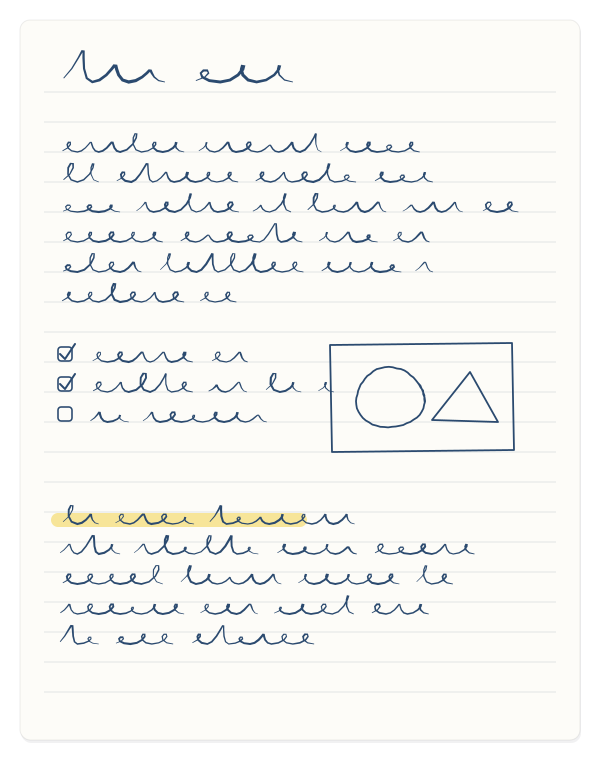
Real paper, any way up
Pick Penna, A5, A4 or Letter paper, upright or landscape, and 32 kinds of template to go behind your ink. Pages fit your screen’s width and grow downward as you write, so you never run out of room halfway through a thought.
See the templates →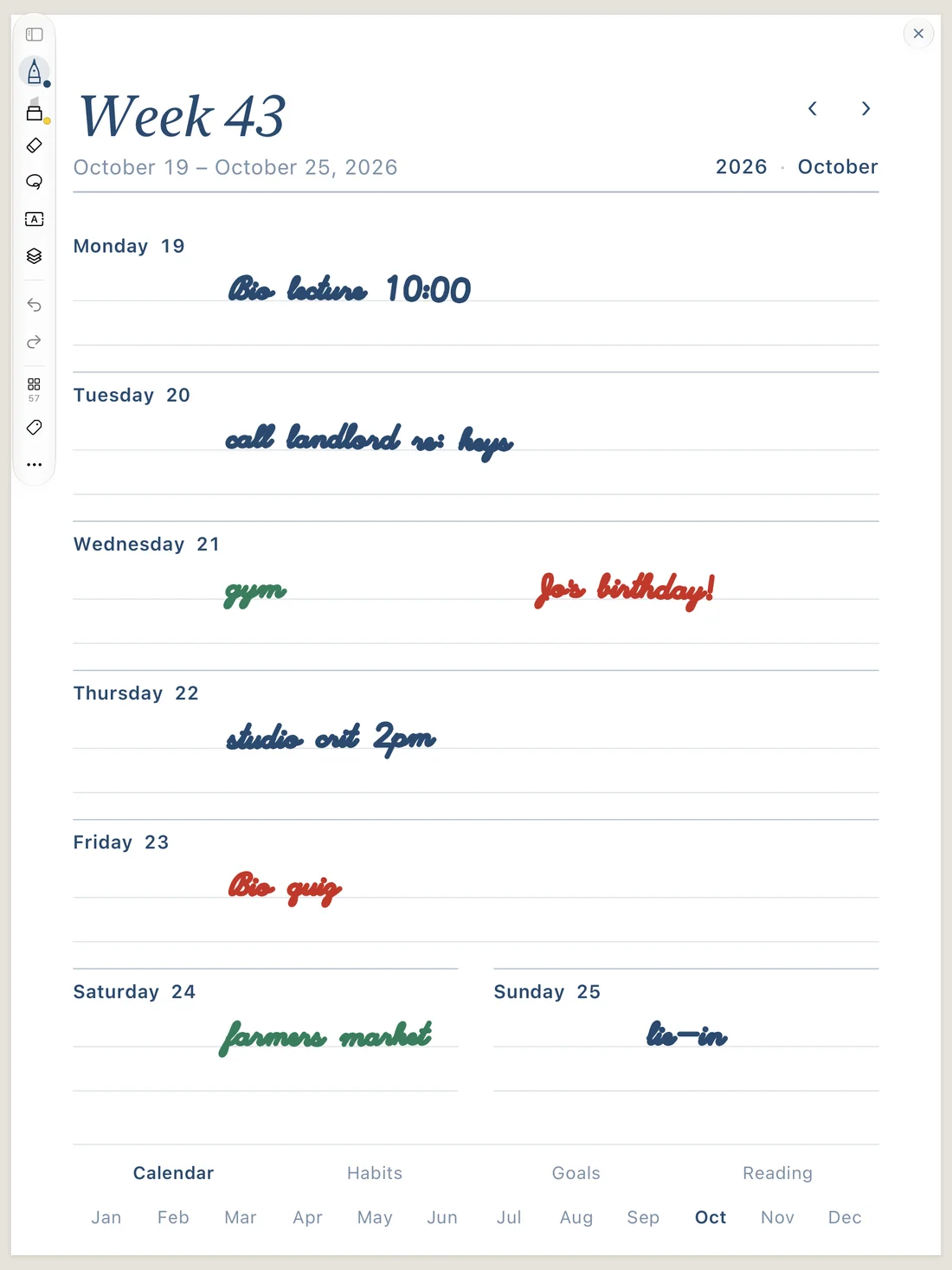
Write it down. Then find it again.
Penna arrives on iPad, iPhone and Mac this fall. Leave your email and we'll send you exactly one message: the day it's out.